SCHNEIDER HMI About
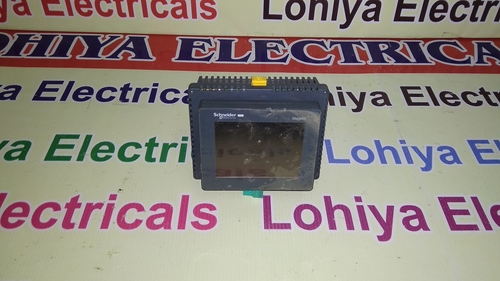
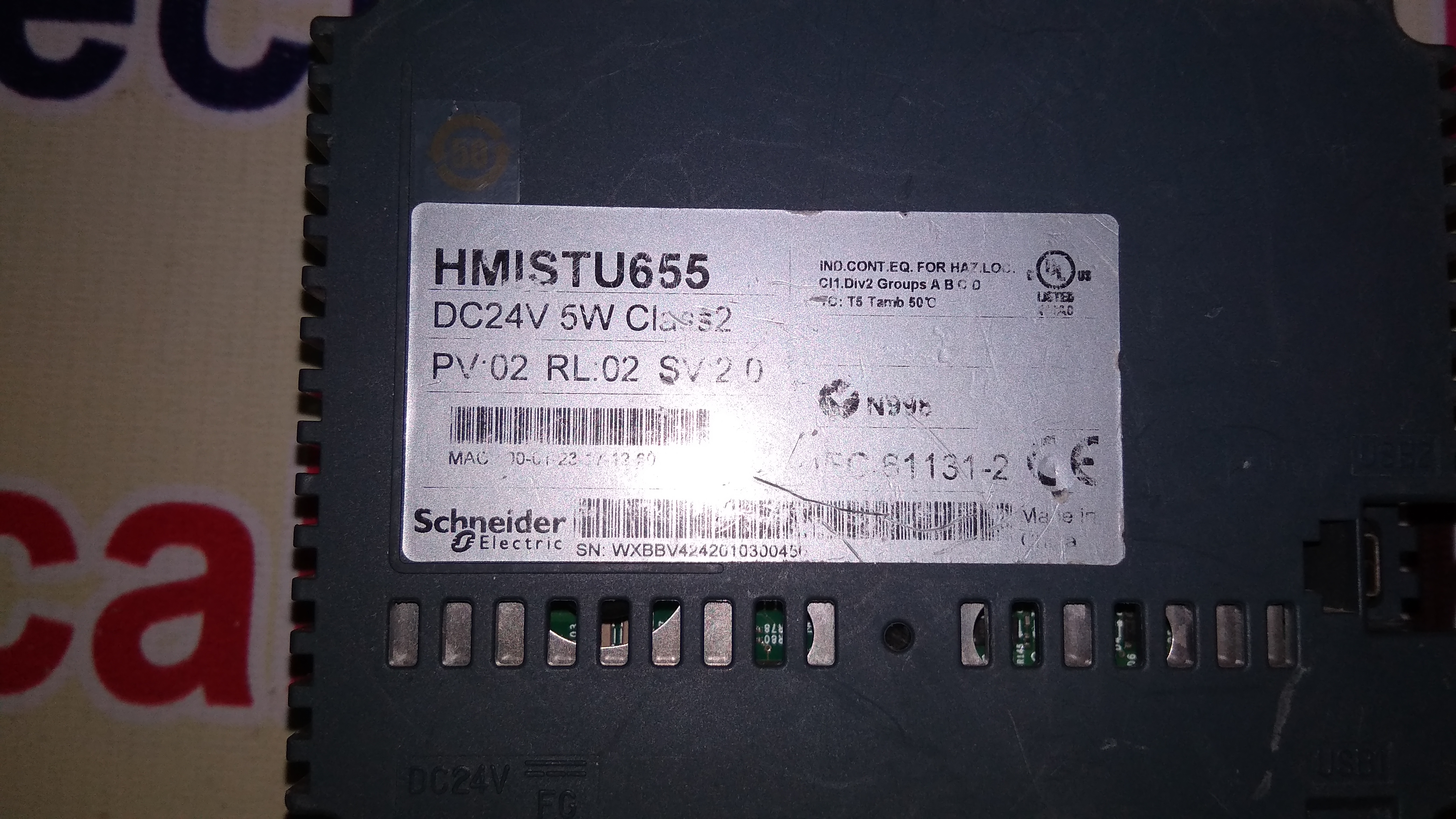
Unlock a rarefied solution for your automation needs with the sizzling new SCHNEIDER HMI, designed for distinguished industrial applications. Featuring a meritorious 7-inch TFT LCD with outstanding 800 x 480 resolution, this crowning display brings vivid clarity to your operations. The robust 4-wire resistive touch panel ensures responsive control, while versatile connectivityEthernet, RS232, RS485, and USBfacilitates seamless integration with Schneider and third-party PLCs. With an IP65 front, overvoltage protection, and up to 50,000 hours backlight life, this HMI is engineered for reliability in the most demanding environments.
Key Features and Applications of SCHNEIDER HMI
The SCHNEIDER HMI boasts advanced features including a touchscreen interface, real-time monitoring, data logging, and robust Ethernet/serial connectivity. Ideal for factory automation, industrial process control, and SCADA systems, this device suits both large-scale and niche operations. With its secure password management and durable glass touchscreen, the HMI supports seamless, efficient usage for operators and engineers ensuring precision and productivity in demanding industrial environments.
Domestic Market, Packaging, and Delivery for SCHNEIDER HMI
SCHNEIDER HMI serves the vast Indian market with reliable availability and premium support. Upon arrival, units are securely packaged to withstand transit, assuring pristine condition at delivery. A focus on quick dispatch ensures minimal lead time from order to shipment. Flexible payment terms cater to diverse business needs, supporting smoother procurement cycles and faster integration into your automation setup.
FAQs of SCHNEIDER HMI:
Q: How is the SCHNEIDER HMI typically used in industrial settings?
A: The SCHNEIDER HMI is designed for integration in factory automation, industrial process controls, and SCADA systems, providing operators real-time monitoring, alarm management, and intuitive process control.
Q: What sets the SCHNEIDER HMI apart in terms of connectivity and compatibility?
A: The HMI supports Ethernet, RS232, RS485, and USB connections, and is compatible with Modbus TCP/IP, Modbus RTU, Schneider Electric, and third-party PLCs, giving it exceptional adaptability across automation networks.
Q: Where can the SCHNEIDER HMI be installed and operated safely?
A: With an IP65-rated front panel for dust and water jet protection, the unit can be safely panel mounted in harsh industrial environments, working efficiently between 0C and 50C.
Q: What is the process for deploying and setting up the SCHNEIDER HMI?
A: Installation involves flush panel mounting, connecting power and communication lines (using screw terminals, DB9/DB25, and RJ45 as required), and configuring protocols for PLC integration. The interface guides you through setup with its touch panel.
Q: What are the benefits of choosing the SCHNEIDER HMI for automation projects?
A: Operators benefit from its meritorious real-time monitoring, data logging, alarm management, and efficient touchscreen interface, all underpinned by robust protection and silent, maintenance-free operation.

 Send Inquiry



 Send Inquiry

 Send Inquiry